Social media backup and archiving

Your content deserves a backup plan

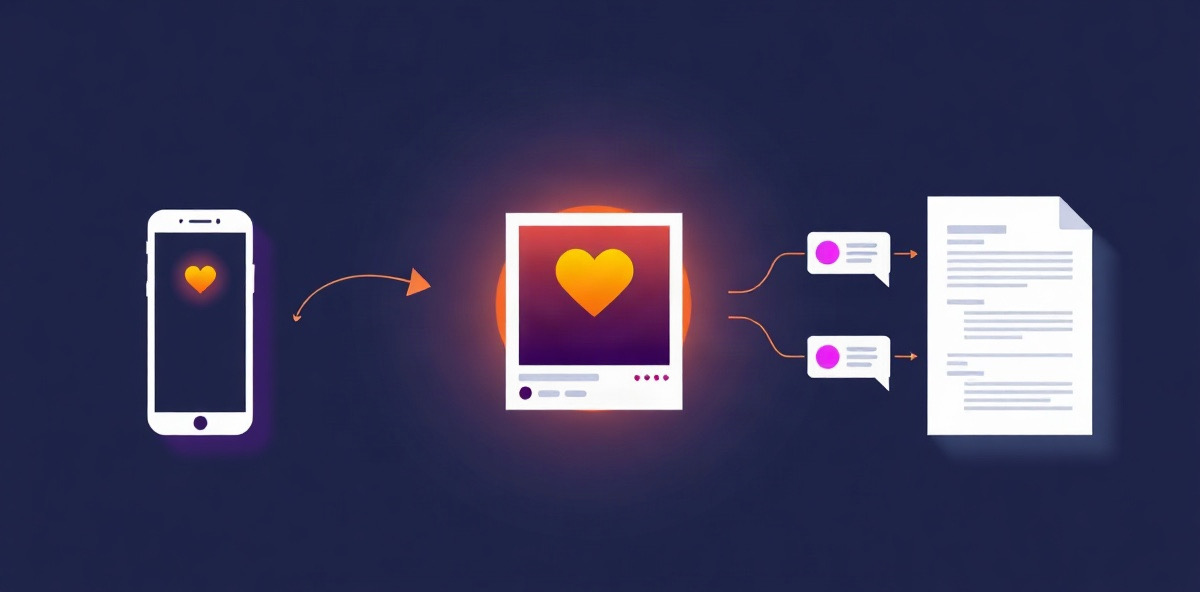
One ban, one hack, one policy change. Years of work gone. Back up supported accounts and keep your original files in a private archive.

From $14.99/month · Private storage included · Cancel renewal anytime

Import sources

  • Instagram
  • Facebook
  • YouTube links
  • TikTok links
  • Your files

What it does

Back it up. Find it. Use it again.

Keep a copy outside the platforms you post on. Browse your saved media, find an old caption, or download an original whenever you need it.

Keep your originals

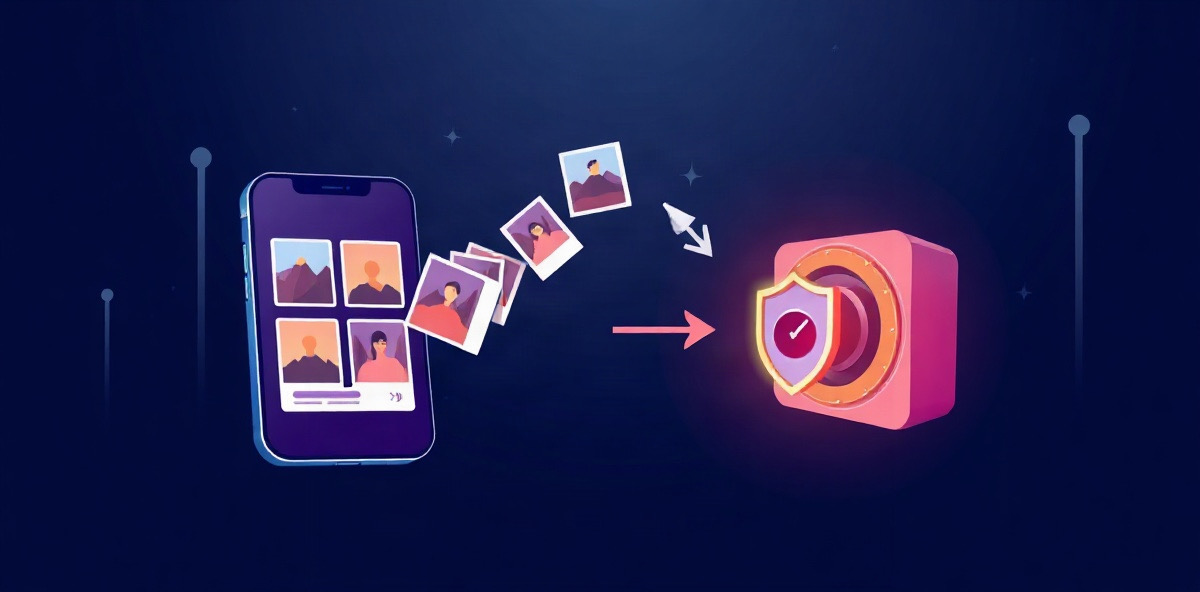
Save your files alongside their captions, credits and dates. Import available history from supported accounts.

  • Import available history from connected Instagram and Facebook accounts
  • Public YouTube and TikTok links kept as private, credited references
  • Uploads up to 250 MB: video, audio, images, PDF and text
  • Backups on your schedule: hourly, daily, weekly or monthly
  • Download any original or export the whole library as a ZIP
Find the original, not just the link

Browse saved videos, photos and documents. Keep related work in collections and download the file when you need it.

Make your archive easier to search

Find relevant posts from a description. Add summaries and tags to saved captions so useful work is easier to find again.

The library

A backup you can actually browse.

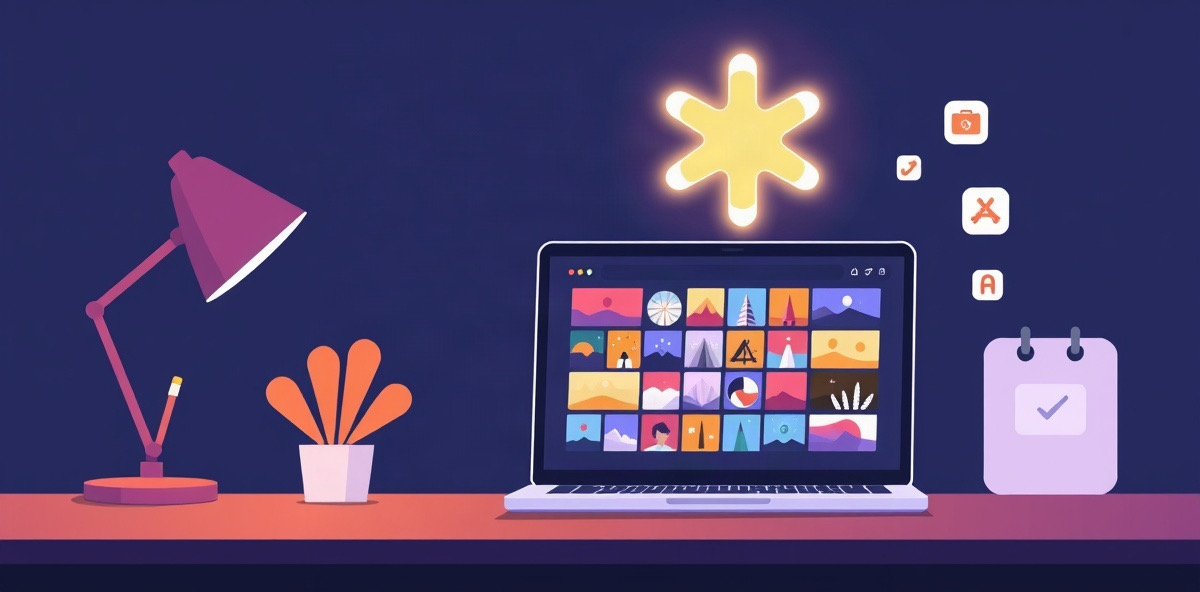
Open any original and it plays right there: video and audio in a proper player, images at full size, PDFs and text inline. When you need the file, it downloads exactly as you made it.

Collections
Group originals by campaign, client or series.
Search
Find posts by their words or, with the assistant, by what they are about.
Private workspaces
One per brand or client, each with its own members and archive.
Leave any time
Export the full library as a ZIP whenever you want it.

Your content, preserved

Your social content, one private archive

See how to preserve content from each platform. History imports, downloadable links and uploads have different availability.

Free tools

The assistant

Get more from your archive.

Find a past post without remembering its exact caption. Summarize saved text and add tags to make your archive easier to browse. Your originals stay alongside the results.

Plans include 100 to 2,000 assistant actions a month. Only successful actions count.

  • Find by meaning

    “The clips from our Lisbon shoot”

    Searches the text saved with your posts to find relevant content.

  • Summarize and tag

    “Summarize this 2,000 word caption”

    A short summary and tags, saved with the original so search finds it later.

  • Repurpose a post

    “Turn this YouTube description into a LinkedIn post”

    A draft in your workspace voice, waiting in the composer for your edit.

  • Find the reference

    “Find the posts I saved about lighting”

    Relevant items from your library, with their saved text and source links.

Pricing

Choose your backup plan.

Every plan includes unlimited seats and a 7-day free trial for new subscribers. Card required. Monthly billing starts after the trial unless you cancel.

Most popular

Creator

For creators and their collaborators

$14.99a month

  • 100 GB private storage
  • 100/mo assistant actions
  • Unlimited seats
  • Every feature included
Start with Creator

Pro

For big libraries and heavy assistant use

$49a month

  • 500 GB private storage
  • 500/mo assistant actions
  • Unlimited seats
  • Every feature included
Start with Pro

Team

For agencies and teams sharing workspaces

$99a month

  • 2 TB private storage
  • 2,000/mo assistant actions
  • Unlimited seats
  • Every feature included
Start with Team

Included on every plan

  • Automatic backups from connected accounts
  • Uploads and link imports up to 250 MB
  • In-browser video, audio, image and PDF playback
  • Collections and keyword search
  • Scheduling and publishing to connected channels
  • Summaries, search by meaning and repurposed drafts
  • Separate workspaces per brand or client
  • Original downloads and full ZIP export
  • 30 days to export after a plan ends

Questions

The honest answers

Something else on your mind?

Talk to us
What can I preserve?

Upload originals, import direct file links, or keep public YouTube and TikTok media as private references. Connected Instagram and Facebook history imports depend on account permissions. Anything the platform will not hand over is reported, never silently skipped.

What if a platform closes my account?

Everything already archived stays in your private library and keeps playing in Feedmirror. Content the platform no longer makes available cannot be fetched again, which is why backups run on a schedule.

Who can open my files?

Files sit in private storage. Workspace membership is checked before every preview, download and export, and publishing credentials stay on our servers. End-to-end encryption is planned, not live.

How does the assistant help with my backups?

It searches saved text, summarizes captions and suggests tags to help you find past work. You can also create editable drafts from archived content; the original stays in your library.

Can I use my own storage?

Private storage is included on every plan. Keeping originals in your own bucket is planned, not live yet.

What happens if I cancel?

Your plan runs until the paid period ends. After that you have 30 days to export the archive before it is deleted, with notice. Renewing in that window keeps everything.

Start your archive before you need it.

Upload your originals or connect a supported account to begin backing up available posts.