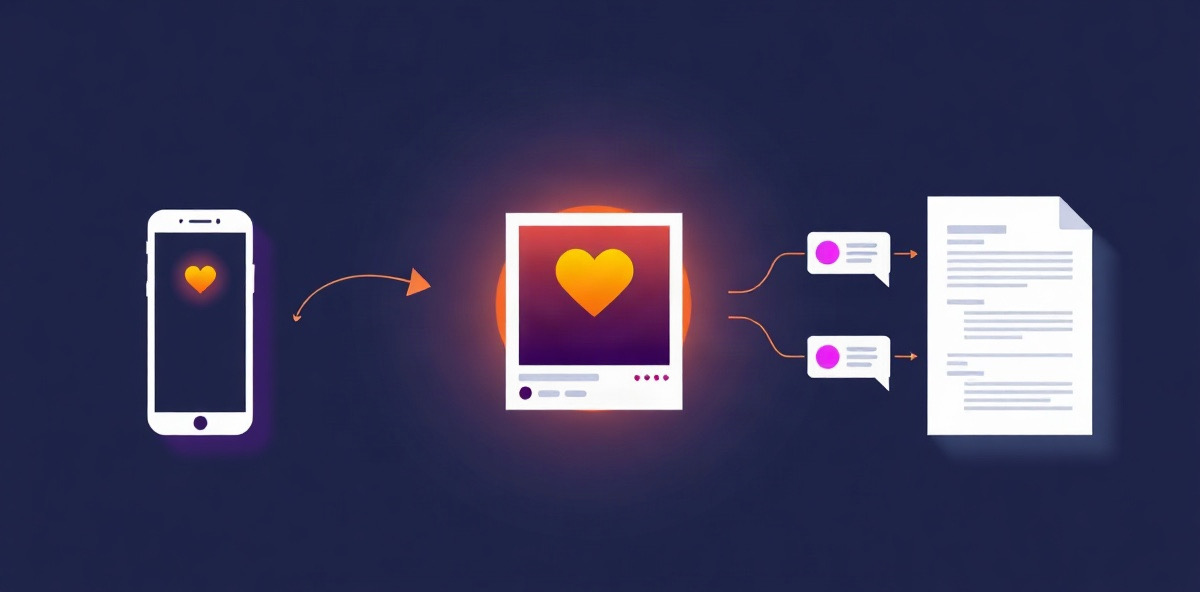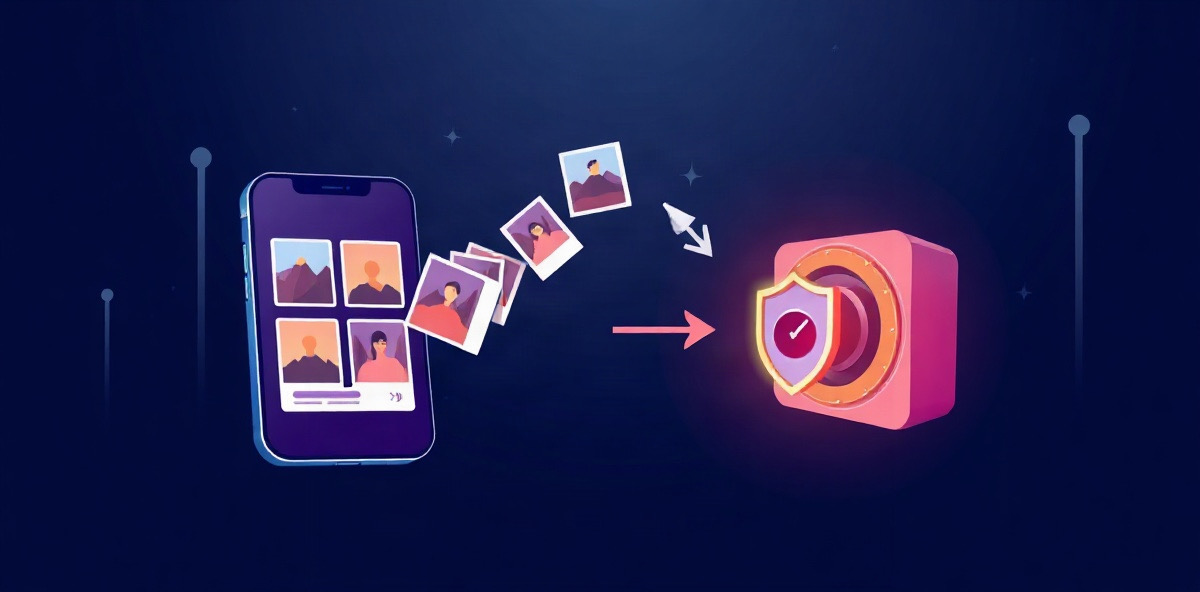
An Instagram backup is a copy of your posts that lives somewhere Instagram does not control, so a hack, a ban or a deleted account does not take your work with it. Instagram's own export gives you a copy once. A real backup keeps that copy current without you thinking about it.
Export or backup: the difference
| Instagram export | Automatic backup | |
|---|---|---|
| How it starts | You request it each time | Runs on a schedule you set |
| How long it takes | Up to 30 days for the link | New posts copied on the next run |
| How long you can get it | 4 days to download | Stays in your library |
| What you get | A file to unzip and dig through | A library where you can search, play and reuse posts |
| After your next post | Already out of date | Copied automatically |
The automatic way: connect Instagram to Feedmirror
Feedmirror connects to your Instagram account and imports your photos, videos and carousels with their captions, links and dates. You choose how often it runs: every hour, day, week or month. Each run copies what is new, so the backup is never more than one run behind.
Everything lands in one private library next to your other channels. You can find a post by describing it, reuse it in a new post, and export the whole library as a ZIP whenever you want.
The manual way: download a copy from Instagram
Instagram's export is still worth doing once, because it is the only way to get some data, such as messages and account activity.
- Tap More in the bottom left, then tap Settings.
- Tap Meta Account, then Your information and permissions.
- Tap Export your information, then Create export.
- Pick the profile, tap Next, then choose Export to device.
- Choose what to include, the date range, the format, the notification email and the media quality.
- Tap Start export.
The full walkthrough is in our Instagram export guide.
What to know about the export
- It can be slow. Instagram says it may take up to 30 days to email the export link.
- The link expires. Once the export is ready you have 4 days to download it.
- Size depends on your choices. High quality video makes the file much larger, so check your storage first.
- Deleted posts are not in it. Information you deleted does not appear, even if Instagram still holds it for a while.
Instagram can also repeat the export to an external service on a schedule, using Export to external service on the same screen. You still get files rather than a library, and only the services Instagram lists are offered.
What to do
Download Instagram's export once, for your messages and account data.
Connect an automatic backup for your posts. A backup you have to remember to run is out of date the next time you post.
Questions
How do I back up my Instagram account?
For a backup that stays current, connect Instagram to a service that imports your posts on a schedule, such as Feedmirror. For a one time copy, open Settings, then Meta Account, Your information and permissions, and Export your information, and create an export to your device.
Does the Instagram export include deleted posts?
No. Instagram says information you deleted does not appear in the export, even if it is still stored temporarily for safety and security.
How long does an Instagram backup take?
Instagram says it can take up to 30 days to email the export link. When it is ready you have 4 days to download it.
Can I back up Instagram automatically?
Yes. Instagram can export to a listed external service on a schedule you choose, and Feedmirror can import your posts every hour, day, week or month.
Written by
Feedmirror Team
Product and editorial
The people who build Feedmirror. We write about keeping a private copy of your work and putting past posts to use again.