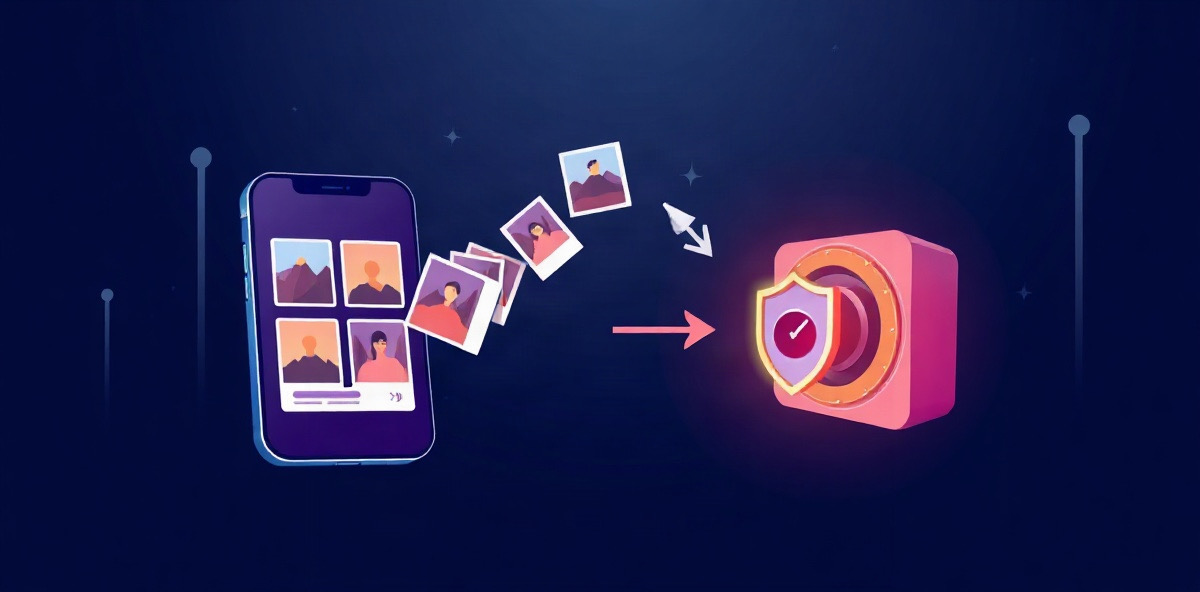
Content repurposing means taking something you already made and reshaping it for another platform or format. A video becomes a thread. A thread becomes a carousel. A long caption becomes three short posts. The idea does the work twice, and you do the writing once.
Repurposing is not cross posting
Cross posting puts the same post on every platform. Repurposing rewrites it for each one. A LinkedIn post that opens with a story reads badly as a tweet, and a TikTok caption makes little sense under a YouTube video. Each platform has its own length, tone and format, and the post should fit it.
Start from what already worked
The best material to repurpose is the post your audience already responded to. Before you write anything new:
- Look back over the last few months of posts on every channel.
- Pick the ones that got saves, shares or replies, not just views.
- Note the idea in one sentence. That sentence is what you repurpose, not the wording.
This is easier when all your posts are in one place. Scrolling five apps to find last spring's best caption is where most repurposing plans stop.
One idea, five formats
Take a single idea and write it for each place it can live:
- A thread on X or Threads: the idea as a short claim, then the steps or examples, one per post.
- A carousel on Instagram or LinkedIn: one point per slide, with the claim on the first.
- A short video script: the claim in the first line, one example, one call to action.
- A LinkedIn post: the story behind the idea, written in the first person.
- A newsletter or blog section: the long version, with the detail the short formats left out.
Keep your voice
Repurposed posts go wrong when they read like a template. Keep the phrases your audience knows you for, and rewrite the opening for each platform rather than the whole post.
Let the assistant do the first draft
Feedmirror keeps your posts from your channels in one library. Its assistant can repurpose a post: pick something you made for one platform and it rewrites it for another, in your workspace voice, using each channel's rules. You review and edit the draft before anything is published, and it never posts on its own.
A weekly routine
- Monday: pick one post that worked.
- Tuesday to Thursday: publish a new format of it each day.
- Friday: note which version did best, and start there next week.
Questions
What is content repurposing?
Taking something you already made and reshaping it for another platform or format, such as turning a video into a thread or a caption into a carousel.
Is repurposing content the same as cross posting?
No. Cross posting shares the same post everywhere. Repurposing rewrites it to fit each platform.
Which posts should I repurpose?
The ones your audience already responded to, with saves, shares or replies rather than views alone.
Written by
Feedmirror Team
Product and editorial
The people who build Feedmirror. We write about keeping a private copy of your work and putting past posts to use again.